
Unlock Your Potential with Free Microsoft Office for Students
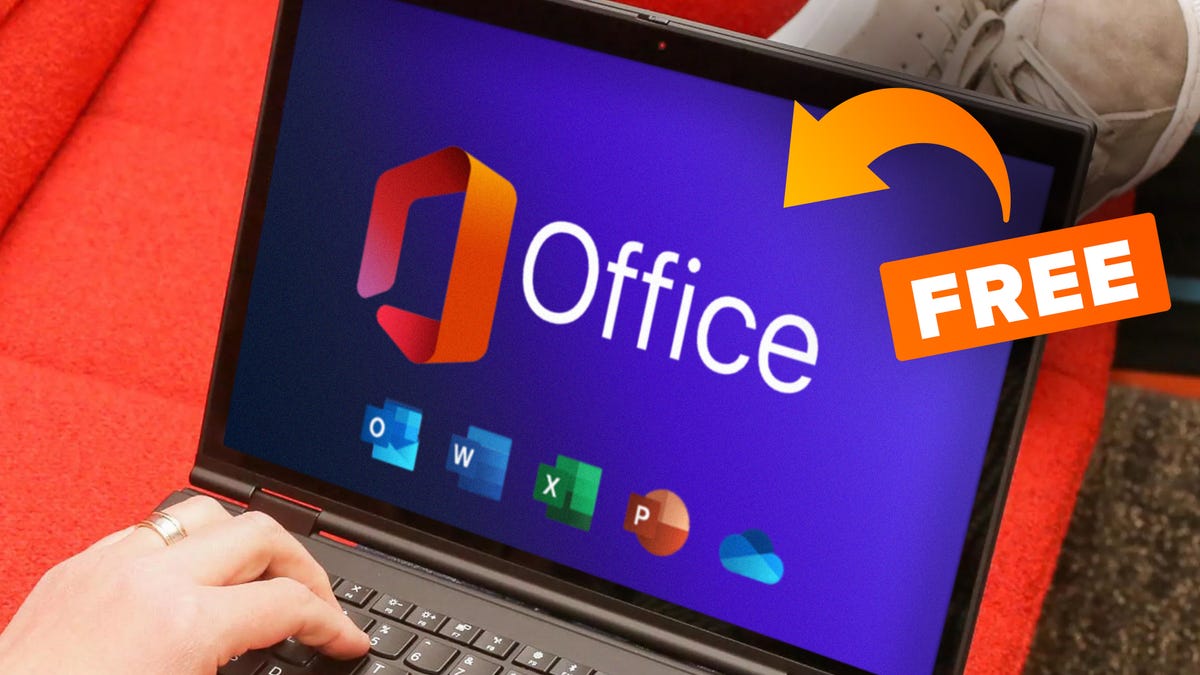
The Benefits of Free Microsoft Office for Students
Microsoft Office is a suite of productivity applications that are essential for students to create, edit, and present their work effectively. From writing essays in Word to creating presentations in PowerPoint and managing data in Excel, Microsoft Office offers a wide range of tools that can enhance the learning experience.
Many students rely on Microsoft Office for their academic assignments and projects. However, the cost of purchasing the software can be a barrier for some students. To address this issue, Microsoft offers free access to Office 365 Education for students and teachers.
Features of Free Microsoft Office for Students
With free access to Microsoft Office, students can enjoy the following benefits:
- Word: Create professional-looking documents and reports with advanced formatting options.
- Excel: Analyse data, create charts, and manage information effectively using spreadsheets.
- PowerPoint: Design engaging presentations with multimedia elements to captivate your audience.
- OneNote: Organise notes, research materials, and ideas in a digital notebook for easy access.
- Outlook: Manage emails, calendars, and contacts efficiently to stay organised.
How to Access Free Microsoft Office for Students
To access free Microsoft Office through Office 365 Education, students need a valid school email address provided by their educational institution. Once verified, students can download and install the software on their devices for free.
This initiative by Microsoft aims to empower students with the tools they need to succeed academically without financial barriers. By providing free access to essential software like Microsoft Office, students can focus on learning and achieving their academic goals without worrying about additional costs.
In conclusion, free Microsoft Office for students is a valuable resource that enhances productivity and facilitates learning. With easy access to Word, Excel, PowerPoint, and other applications through Office 365 Education, students can unleash their creativity and excel in their studies.
Top 5 Tips for Students to Access Microsoft Office for Free
- Check if your educational institution offers free Microsoft Office for students.
- Look for student discounts or special offers on Microsoft Office products.
- Consider using the online version of Microsoft Office apps for free through a web browser.
- Explore alternative free office suite options like LibreOffice or OpenOffice.
- Join student forums or communities to find out about any available deals or promotions on Microsoft Office.
Check if your educational institution offers free Microsoft Office for students.
It is advisable for students to check whether their educational institution provides free access to Microsoft Office. Many schools and universities have partnerships with Microsoft that allow students to use Office 365 Education at no additional cost. By verifying this option, students can take advantage of the full suite of Microsoft Office applications without incurring any expenses, enabling them to enhance their productivity and academic performance seamlessly.
Look for student discounts or special offers on Microsoft Office products.
Students looking to access Microsoft Office can benefit from seeking out student discounts or special offers on Microsoft Office products. Many times, Microsoft offers exclusive deals for students, making the software more affordable and accessible. By taking advantage of these discounts, students can save money while still enjoying the full range of features and tools that Microsoft Office has to offer. It’s worth exploring these options to make the most of this valuable resource for academic and personal use.
Consider using the online version of Microsoft Office apps for free through a web browser.
Consider utilising the online version of Microsoft Office applications for free by accessing them through a web browser. This option allows students to use essential tools like Word, Excel, and PowerPoint without the need to install software on their devices. By using the online versions, students can work on their assignments from any location with an internet connection, enabling flexibility and convenience in their academic work. Additionally, this method ensures seamless collaboration with peers on group projects and easy access to documents stored in the cloud.
Explore alternative free office suite options like LibreOffice or OpenOffice.
Students looking for free alternatives to Microsoft Office can explore options such as LibreOffice or OpenOffice. These open-source office suites offer a range of applications similar to Microsoft Office, including word processing, spreadsheets, and presentations. By utilising these alternative software options, students can access essential tools for their academic work without incurring any costs. Additionally, exploring different office suite options allows students to discover new features and functionalities that may suit their needs and preferences, providing flexibility in their productivity tools.
Join student forums or communities to find out about any available deals or promotions on Microsoft Office.
Joining student forums or communities can be a great way for students to stay informed about any available deals or promotions on Microsoft Office. These platforms often serve as valuable resources where students can share information, tips, and recommendations with each other. By actively participating in these forums, students can discover exclusive discounts, special offers, or even free access to Microsoft Office that they may not have been aware of otherwise. Engaging with fellow students in these online communities can help individuals make the most of available opportunities to access essential software like Microsoft Office at reduced or no cost, ultimately supporting their academic endeavours.